










Another AI acronym is probably the last thing your to-do list needs. But MCP is worth a few minutes, especially if your fundraising numbers live in reports that only one person on your team knows how to run.
MCP can speed up reporting, make donor research easier, and cut down the time spent digging through dashboards. Once you’ve given it a try, you just may be left wondering how you ever managed without it.
Below, you’ll learn what MCP for nonprofits is, how Givebutter’s AI connectors work, and the questions to ask before connecting donor data.
Key takeaways
- MCP is the missing link between AI and your data. It lets assistants like Claude and ChatGPT connect to the tools your nonprofit already uses, so they don’t have to guess.
- Skip the report-building. Ask “How much did we raise in Q1?” in plain language instead of wrestling with filters and exports.
- Look, don’t touch. Givebutter’s AI connectors are read-only, so they can pull up donors, campaigns, and event data but can’t change records or move money. And they can only see what you already have permission to see.
- Do a little homework first. Before connecting donor data to any AI tool, check what it can access and review the AI provider’s data controls. How your data is handled depends on the provider, your plan, and your privacy settings.
What is MCP?
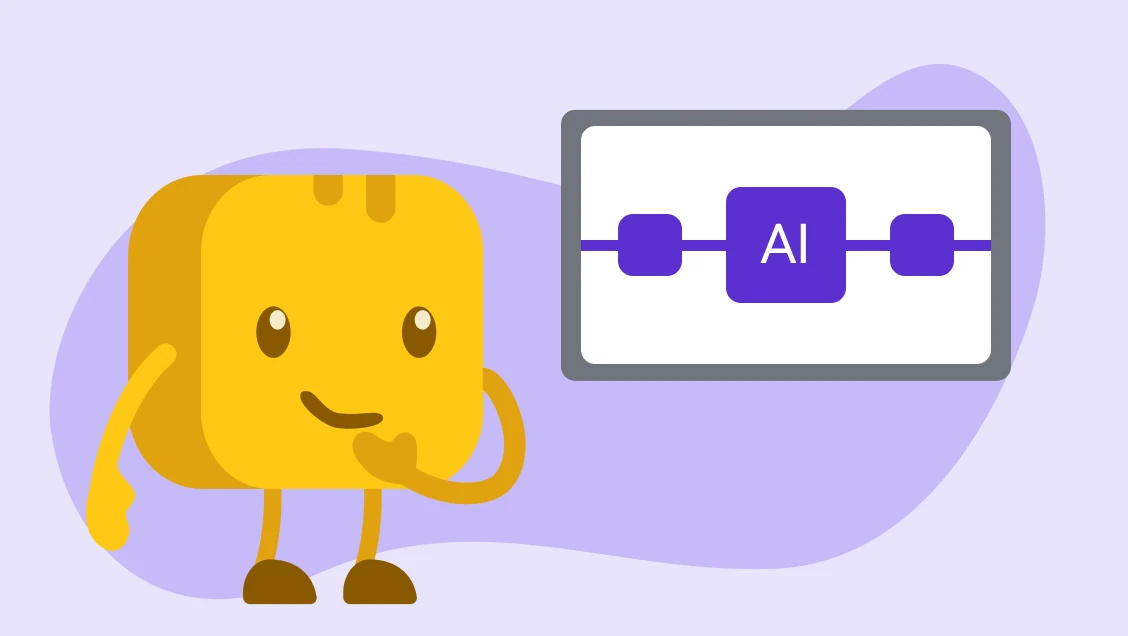
MCP, or Model Context Protocol, is an open standard that lets AI assistants connect to the apps and data your organization already uses.
Instead of working only with the information you type or paste in, the AI can use approved connections to look up relevant data for you.
For example, if you asked ChatGPT or Claude:
“How much did we raise from our spring campaign?”
- Without a connection to your fundraising platform, the AI can’t possibly know. You would first need to find the numbers, export a report, or paste the data into the chat. At best, the AI will flag if it doesn’t have the information on hand. At worst, it may make up numbers and present them with confidence.
- With an MCP connection, the AI assistant can look up the information it has permission to access and use that data to answer your question.
That’s what makes it so useful for nonprofits. Your donor records, campaign results, and giving history can stay in the system where they already live, while the AI assistant gets the context it needs to help you work with that information.

Who’s behind MCP?
Anthropic originally created MCP in November 2024 as an open standard, but it’s no longer an Anthropic-only project.
In December 2025, Anthropic donated MCP to the Agentic AI Foundation (AAIF) under the Linux Foundation, giving the protocol a neutral home for open development and governance.
The standard has been adopted across products, including ChatGPT, Gemini, Microsoft Copilot, Cursor, and Visual Studio Code, with support from companies like OpenAI, Google, Microsoft, AWS, Cloudflare, and others.
What MCP means for nonprofits
For nonprofits, MCP can make AI more useful. For example:
- You’ll spend less time digging for answers: Campaign totals, donor history, event results, and contact data often live in different reports. MCP can give an AI assistant a way to find that information for you.
- AI can work with real context: Without a connection, ChatGPT or Claude only knows what you type, paste, or upload. With MCP, it can look up approved information from a connected system and use that data in its answer.
- More people can use the data you already collect: In Sage's 2025 survey of more than 350 nonprofit leaders, the most common answer (34%) was that they collect data but don't fully use it, while only 9% described their organizations as highly data-driven. MCP can make some of that information easier to reach without asking every staff member to become a reporting expert.
- Everyday questions become easier to answer: An executive director could check campaign results before a board meeting. A fundraiser could find recurring donors who need follow-up. A marketing coordinator could see how many new contacts joined last month.
- There’s less pressure on the person who knows the system best: Not everyone on staff knows how to build reports or use every filter. A plain-language question like “How much did we raise in Q1?” can be much easier than creating a report from scratch.
What data the AI can access depends on the connector you use and the permissions your organization allows. And like any AI tool, the answers you get are only as good as the prompts you give it.
6 ways nonprofits can use Givebutter’s MCP AI connectors
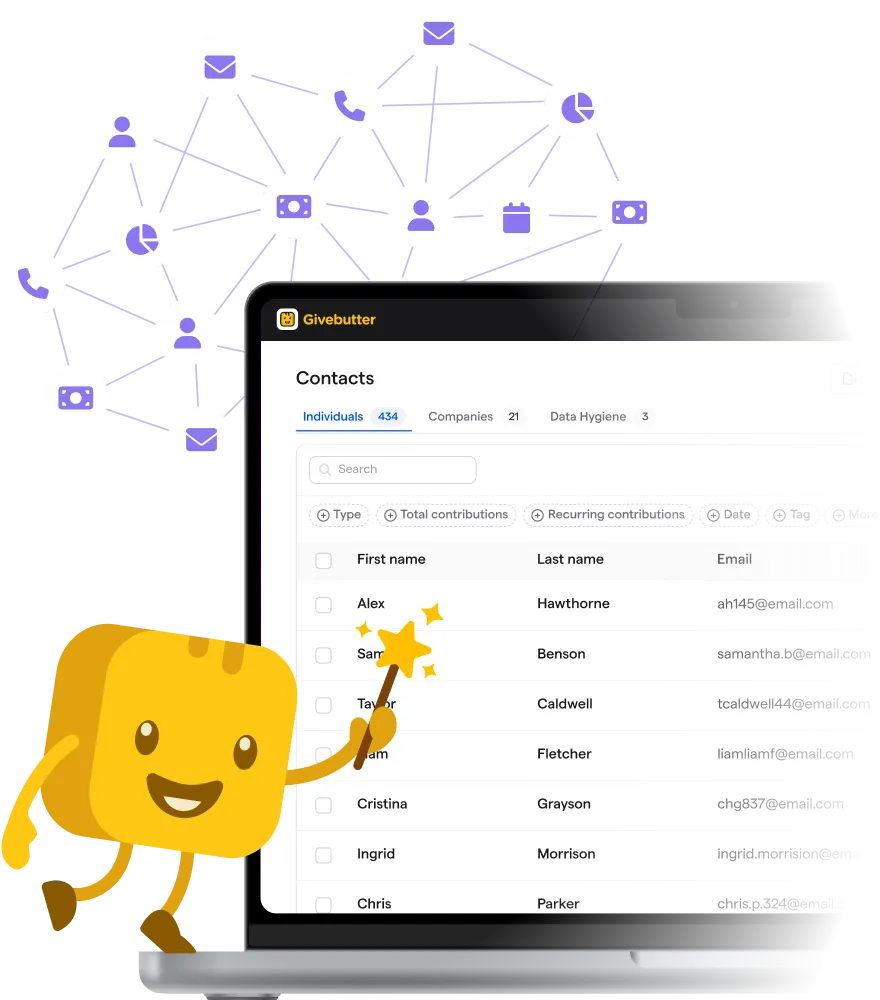
Givebutter’s AI connectors let you ask questions about your account in plain language and get answers from your live Givebutter data.
The connection can work with contacts, transactions, recurring plans, campaigns, events, auctions, messages, and more. It’s especially useful to:
1. Get numbers ready for board & grant reports 📊
Board meetings and grant reports often bring the same rush for numbers. For example:
- How much came in?
- Which campaigns performed best?
- Where did donations come in from?
Instead of building a report each time, you could ask your AI assistant for the fundraising data you need. Givebutter’s AI connectors can read transaction and campaign data from your account.
- Try asking: “Break down donations by campaign for Q1.”
The answer could give you a starting point for a board update, grant report, or internal review. You can then check the figures in Givebutter before adding them to anything official.
2. Find donors who may need more attention 💛
Good donor stewardship often starts with knowing who gave, how often, and when you last heard from them.
Givebutter’s AI connectors can look across contacts, transactions, recurring plans, pledges, and other account data.
- Try asking: “Show me my top 10 recurring donors this year.”
From there, the list could help you decide who needs a personal thank-you, an update from your team, or another touchpoint.
3. Check campaign progress without building a report 📈
Sometimes you don’t need a full dashboard. You just need to know how things are going.
- Try asking: “How much did we raise in the last 30 days?”
That answer helps you decide whether a campaign is on pace, whether outreach needs another push, or whether it’s time to thank supporters and share progress.
For a busy fundraiser, getting that answer through a simple question can be much faster than finding the right report and filters.
4. Make event wrap-ups easier 🎟️
After an event, someone still has to work out what happened.
You may need fundraising totals, donation numbers, or a quick view of how the event performed before reporting back to your team.
Givebutter’s AI connectors can access event details, ticket purchases, auctions, bidders, campaign items, and related transactions.
- Try asking: “How much did we raise at the spring auction?”
You could use the answer to start your event recap, then look deeper at ticket sales, auction activity, or donor records in Givebutter. That can make it easier to see what worked before planning the next event.
5. Build more focused outreach lists ✉️
You don’t always want to send the same message to your whole donor list.
Givebutter’s AI connectors can search contacts using details such as location, giving amount, and tags.
- Try asking: “Find contacts in California who gave more than $500.”
That group could then inform a more relevant thank-you, event invitation, or fundraising message. You still decide what to send and who should receive it, and with marketing automation for nonprofits, you can turn segments like this into timely follow-ups that go out without manual work.
6. Keep an eye on list growth 🙌
Growing your contact list can tell you whether more people are entering your fundraising community.
You could ask your AI assistant for a quick count without opening a separate report.
- Try asking: “How many new contacts did we add last month?”
That number can give your team a simple way to track growth over time. You could then look at what campaigns, events, or outreach brought those contacts in and decide where to focus next.
Is it safe to connect AI to donor data with MCP?
It can be, but the level of access matters. Before connecting donor data to any AI tool, you should know what the connection can see, what it can change, and how the AI provider handles the data it receives.
Givebutter’s AI connectors are designed with clear limits. They are read-only, so the AI assistant can look up information but can’t create, edit, or delete anything in your Givebutter account. Your data is yours. We don’t use your or your donors’ personal data to train large language models.
The AI also can’t move money or process payments. Givebutter’s approach to AI is designed to align with fundraising.ai's framework for responsible AI.
A few other safeguards are built into the connection:
- Your roles and permissions still apply: An AI connector can only see what you already have permission to see.
- Nothing is shared until your team says so: Your data is only shared with an outside AI assistant after someone on your team authorizes the connection.
- Some data is never shared: Payment card numbers and Givebutter passwords are never shared with the AI assistant, and banking data is always off limits.
Questions to ask before using MCP at your nonprofit 🔒
Before connecting, figure out:
- Who approves AI tools at your organization? Decide who can authorize a tool that may access donor or fundraising data.
- What does the AI provider do with your data? How the AI provider handles retrieved data depends on the provider, your plan, and your privacy settings. Business and organization plans typically don’t use customer data for model training, while personal or free plans may unless training is disabled. Review your AI provider’s data controls before connecting a personal account.
- Can the connector only read data, or can it change it? Read-only access limits what an AI assistant can do inside your system.
- Who on your team should have access? Give access based on what each person needs for their work.
Not every MCP server works like Givebutter’s. Third-party and community servers can request different permissions, and some may be able to edit data or require API keys.
We recommend checking the access each connection requests before approving it.
How to connect Givebutter to Claude, ChatGPT & other AI tools
If you choose to, you can connect Givebutter to Claude, ChatGPT, and other AI tools that support MCP, like Gemini. You don’t need to download software, write code, or share your Givebutter password with the AI tool. Givebutter hosts the connection and handles sign-in through your existing account login.
Here’s how it works:
- Add Givebutter as a connection: In Claude, find Givebutter under Connectors. In ChatGPT, find Givebutter in Plugins and install it. In other compatible tools like Perplexity, an administrator usually adds Givebutter’s MCP server in the tool’s connected apps settings.
- Sign in to Givebutter: You’re sent to Givebutter to log in with your normal account details. Your password is never shared with the AI tool.
- Choose the account you want to connect: If you belong to more than one Givebutter account, select the one the AI assistant should be able to read.
- Review the access and approve the connection: Once you authorize it, Givebutter appears as a connected source, and you can start asking questions in plain language.
Claude users can also add Givebutter through its verified connector listing.
Once connected, you can ask questions such as “How much did we raise last month?” or “Show me our top recurring donors this year.” The assistant can then use the live Givebutter data available through your connection to answer.
See how nonprofits use Givebutter’s AI connectors alongside the other tools in their workflow:
What AI connectors can’t do (yet)
Givebutter’s AI connectors can make it easier to work with your fundraising data, but they still have clear limits.
A few things to keep in mind:
- They can’t change your Givebutter account: The connection is read-only, so the AI can look up information but can’t create, edit, or delete records.
- The AI can still get it wrong: Like any AI, it can give an incomplete or wrong answer, and a vague prompt can pull the wrong slice of data. Be specific about dates, campaigns, donor groups, or other filters when the details matter.
- Check important facts before you use or share them: If you’re using an answer in a board deck, grant report, or financial update, confirm the key figures in Givebutter first.
The future of MCP & AI for nonprofits
MCP is still new, but the idea behind it is to make it easier for nonprofits to use AI with the data they already have.
For us, that means building connectors that help fundraisers find answers, understand fundraising activity, and support day-to-day work.
We expect our AI connectors to keep evolving as we learn more from the questions, workflows, and feedback you bring us (you asked, we built).
As you find new ways to use AI for reporting, donor research, campaign planning, and day-to-day fundraising, we want to keep making those workflows easier without taking control away from you.
Start free & connect your data to ChatGPT or Claude
Sign up for a free Givebutter account and connect your AI tools in minutes.
MCP for nonprofits FAQs
What does MCP stand for?
MCP stands for Model Context Protocol. It’s an open standard that gives AI assistants a common way to connect with apps and data sources.
Do I need to know how to code to use MCP?
No. You don’t need coding skills to use Givebutter’s AI connectors. Once your account has access, you can connect a supported AI assistant and ask questions in normal language.
Givebutter hosts the connection, so there's nothing for your nonprofit to host or maintain.
Does MCP only work with Claude?
No. Anthropic introduced MCP, but the standard isn’t limited to Claude. You can connect Givebutter to Claude, ChatGPT, and other compatible AI tools.
Can an AI assistant change my data in Givebutter?
No. Givebutter’s current AI connectors are read-only. An assistant can look up information you already have permission to see, but it can’t create, edit, or delete records. AI doesn’t authorize payments, release payouts, or move money. And you can disconnect the AI assistant at any time.
Is my donor data used to train AI models?
Your data is yours. We don’t use your or your donors’ personal data to train large language models. When we use data to make our models smarter, it’s de-identified and stripped of personal information.
Your data is only shared with an outside AI assistant after someone on your team authorizes the connection. The assistant can only access information that person is already permitted to see, and payment card numbers and Givebutter passwords are never shared.
How the AI provider handles retrieved data depends on the provider, your plan, and your privacy settings. Business and organization plans typically don’t use customer data for model training, while personal or free plans may unless training is disabled. Review your AI provider’s data controls before connecting a personal account. You can disconnect the integration at any time.
Review Givebutter’s AI Connectors guidance for greater peace of mind.
How do I connect Givebutter to an AI assistant?
Add Givebutter from a supported AI assistant, sign in with your Givebutter account, choose the account you want to connect to, and approve access.
Share this article