.svg)
.svg)
.svg)
.svg)
.svg)
.svg)
.svg)
.svg)
.svg)

.svg)
.svg)
.svg)
.svg)
.svg)
.svg)
.svg)
.svg)

.svg)
.svg)
.svg)

.svg)

.svg)
.svg)
.svg)
.svg)
.svg)


.svg)
.svg)
.svg)
.svg)
.svg)
.svg)
.svg)



.svg)


%20(1).png)
Your donors, volunteers, and members aren’t just names in a database; they’re your mission in motion. Without their support, none of your impact would be possible. That’s why keeping their information organized and using it thoughtfully matters more than ever.
A nonprofit CRM gives you one place to manage those relationships, understand your supporters, and strengthen the connections that fuel your mission.
This guide breaks down what a nonprofit CRM is, how it differs from corporate CRMs, who it’s for, and how it helps you manage fundraising more efficiently. Let’s start with the basics.
What is a nonprofit CRM?
A nonprofit customer relationship management (CRM), sometimes known as a donor management platform, is software that enables nonprofits to store, track, and do more with current and potential donor data.
It also helps nonprofits to keep track of stakeholder information, improve fundraising potential, and unify data into one system, reducing silos.
.webp)
Nonprofit CRM vs. corporate CRM: Key differences
A corporate-focused CRM and a nonprofit-focused CRM both manage contacts, communication, and relationship data. Where they differ is in what those relationships represent.
Corporate CRMs are built around sales pipelines and revenue, while nonprofit CRMs are designed to help build relationships with donors and volunteers for long-term mission impact.
Because of this difference, nonprofit CRMs have features designed to boost donations, nurture recurring givers, coordinate volunteers, and strengthen the supporter relationships that keep a mission thriving.
Here’s a look at how they differ across categories important to a nonprofit:
Their goal 🎯
Corporate CRM: Designed to manage current and potential customers with the primary objective of maximizing sales and revenue.
Nonprofit CRM: Built to help organizations strengthen relationships with donors, volunteers, and members in order to advance long-term mission impact.
Primary workflow ↔️
Corporate CRM: Moves leads through a linear sales pipeline with defined deal stages and close dates.
Nonprofit CRM: Supports a continuous supporter journey, tracking engagement over time from first gift to recurring giving, volunteering, and advocacy.
Financial tracking 💰
Corporate CRM: Tracks invoices, proposals, contracts, and quotes tied to customer accounts.
Nonprofit CRM: Manages donations, pledges, and recurring gifts, including automatic tax receipts and nonprofit-specific acknowledgements.
Recurring support 🔁
Corporate CRM: Handles recurring subscriptions with renewal dates, contracts, and service-level agreements.
Nonprofit CRM: Powers monthly giving programs, pledge reminders, and long-term donor retention strategies.
Volunteer management 🙋
Corporate CRM: Typically does not include volunteer management functionality.
Nonprofit CRM: Tracks volunteer hours, roles, schedules, and requirements like waivers or background checks.
Event management 🎟️
Corporate CRM: Focuses on capturing and tracking leads from sales events, webinars, or trade shows.
Nonprofit CRM: Includes ticketing and registration tools for fundraising events like auctions and galas, plus built-in follow-up and performance tracking.
Who is a nonprofit CRM for?
A nonprofit CRM is designed for any mission-driven organization, whether a charity, foundation, association, or NGO, that needs better tools to manage supporters and fundraising.
That scope extends to schools, colleges, student groups, and sports teams that need to track alumni engagement or potential donors.
Nonprofit CRMs work just as well for small community groups as they do for national charities. And you don’t always need a budget to get started. Givebutter, for example, is a free CRM and donor management software.
Now that you know who can benefit from a nonprofit CRM, let’s cover how these systems work behind the scenes.
How does a CRM for nonprofits work? A better way to manage donors
Before a CRM can help you raise more or communicate better, it has to handle a few core jobs behind the scenes. We’re talking data capture, engagement tracking, and automated workflows:
Data capture in your CRM 🧲
A CRM captures donor data in two ways: manually and automatically. You can always add or edit supporter details yourself, like updating a phone number or logging a conversation.
Most data, though, comes in automatically through your online activity. When someone donates through a form, registers for an event, signs up for emails, or completes a payment online, the CRM records it instantly. If the action doesn’t happen digitally, the CRM can’t capture it on its own.
Automatic data capture is what eliminates the need for exporting spreadsheets or copying details between systems. The more your CRM connects with the online tools you already use, the more accurate and hands-off your data collection becomes.
Once the CRM captures information from forms, events, and integrations, the real value comes from how it organizes that data.
Engagement tracking 👀
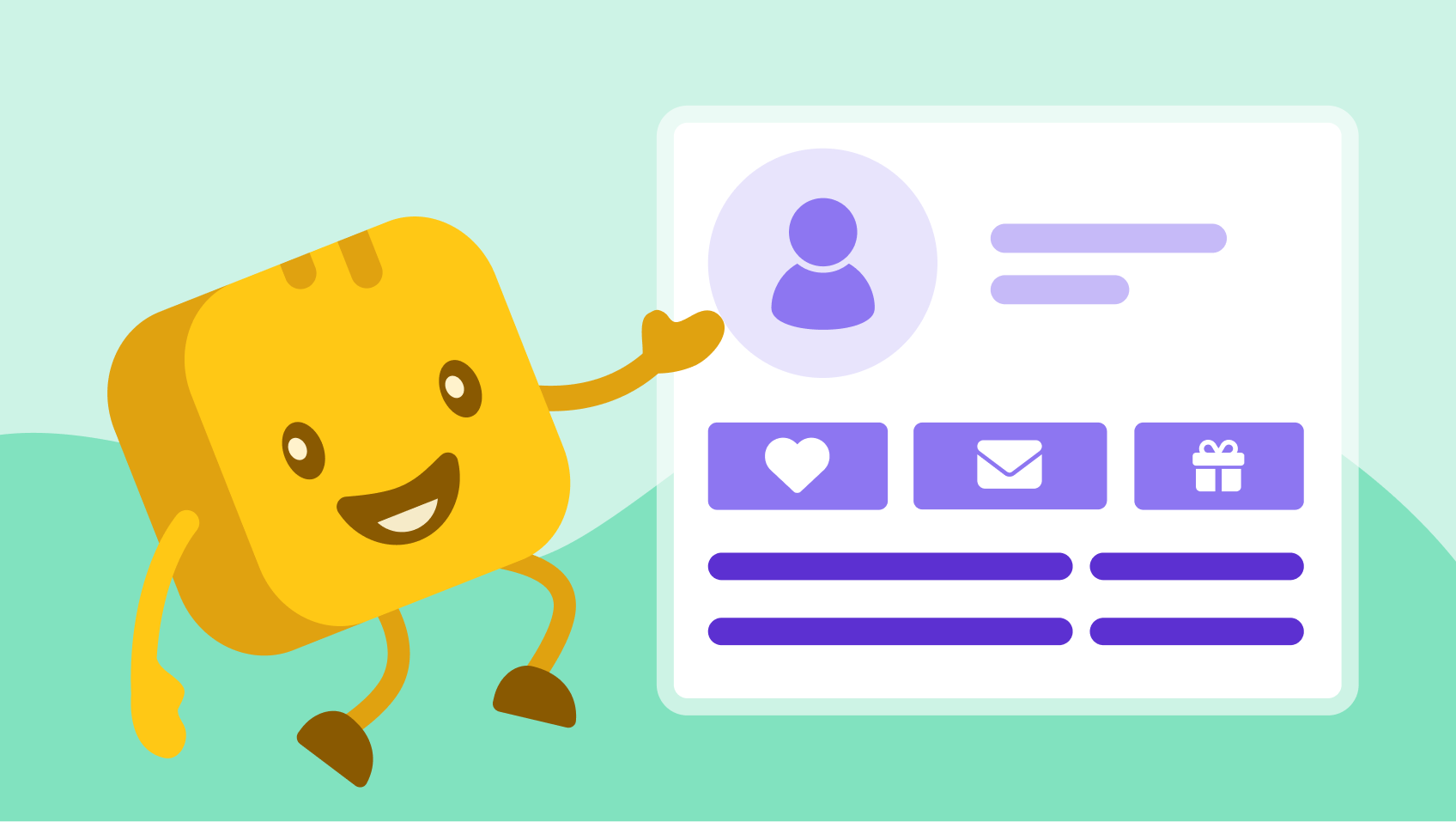
A nonprofit CRM works by pulling all supporter information into a single profile. Every donation, event registration, email interaction, volunteer shift, or note from your team becomes part of that person’s timeline.
This gives you a full history of each donor’s relationship with your organization in one place, which makes it easier to personalize outreach and avoid missteps.
Say Abigail called a donor last week about a fundraising campaign and added a note: “John can’t contribute right now.” With that information visible to everyone, no one else on the team will follow up and risk straining the relationship.
.webp)
But if Anna had called, and John couldn’t talk at the time, she could add an automated reminder to call John later. That way, no donor is overlooked, and your donation efforts stay on track.
Automated workflows in your nonprofit CRM ⚙️
One of the most powerful features in a CRM is automated workflows. Using automation tools, you eliminate repetitive tasks and personalize donor communications at scale.
For example, when someone makes a donation, it’s logged automatically in your CRM. A workflow can then send their tax receipt right away and place them into your “new donor” segment without you doing a thing.
This saves your team a huge amount of manual data entry and follow-up. Your donors feel appreciated, and you stay on top of important tasks while automating the smaller ones.
All of these behind-the-scenes processes add up to a very real shift in how your team works every day.
How a CRM transforms your day-to-day
The right CRM will change the way you work by connecting the dots behind the scenes. These are some of the changes you can expect to see:
You stop living in spreadsheets 🗃️
Many nonprofits juggle multiple spreadsheets to track contact details, donation dates, recurring gifts, and event information. It’s easy to lose versions, miss updates, or spend hours hunting for the right cell.
With a CRM, everything lives in one organized place. You can pull up a donation receipt in seconds, and if a donor emails, updates their card, or changes their information, it’s all recorded automatically in their profile.
You follow up consistently ⏰
Without a CRM, follow-ups often rely on sticky notes, inbox reminders, or someone remembering to send a receipt or make a call. It’s easy for things to slip.
A CRM removes that guesswork. You can set tasks to call donors back, and when someone donates, their receipt goes out automatically. Every interaction is logged, and nothing gets lost in the shuffle.
These automations prevent missed opportunities and give your team hours back every day.
You build reports quickly 📊
Before having a nonprofit CRM, creating a fundraising report meant exporting multiple spreadsheets, removing duplicates, fixing formatting, and manually totaling gifts.
With a CRM, real-time dashboards show your progress at a glance, including campaign performance, donor retention, recurring revenue, and year-over-year trends.
You can then export or screenshot the dashboard to present it to stakeholders.
You can finally trust data
A CRM ensures that everyone has access to the same donor information, notes, history, and insights, rather than working in different versions of a spreadsheet.
This shared visibility makes collaboration smoother, onboarding easier, and communication far more consistent.
You never lose a conversation
A CRM keeps a shared interaction history: notes from calls, emails sent, tasks completed, event attendance, and every donation.
Anyone on your team can open a donor’s profile and instantly understand the relationship, even if they’ve never spoken to them before.
This makes communication smoother and more professional, as well as making onboarding new team members that much easier.

Key features of nonprofit CRMs for charities (and how they benefit you)
To be sure your CRM is truly designed for nonprofits, and not a corporate system you’re adapting to, look for these features.
Contact management 👥
Contact management is the core of any nonprofit CRM. It gives you one place to store and understand every donor relationship. Each donor profile shows high-level information, including contact details, total contributions, and recent activity such as ticket purchases or team fundraising.
.webp)
You can also dive deeper with a timeline view of a donor’s full giving history, recurring plans, contact notes, email correspondence, and manage relationships easily by organizing contacts by household.
Plus, you can adjust your CRM’s fields so that you can track custom information, such as dietary preferences.
Custom filters 🔍
Filtering gives you a fast, flexible way to find exactly the data you need in your nonprofit CRM. Instead of searching through lists or spreadsheets, you can create donor segments and pull up supporters based on specific criteria in seconds.
You can use built-in filters, like donation amount, last gift date, or event participation, or create your own to match your organization’s needs.
Custom tags, such as “alumni” or “monthly donor,” also help you organize contacts and personalize your outreach more effectively.
.webp)
Pledges ✍️
Pledge management lets you record promised gifts and track them through to completion. With Givebutter’s pledge management tools, you can log new pledges directly in your CRM, set custom installment plans, and share secure payment links with donors or sponsors.
Everything stays tied to the donor’s profile, so you always know what’s been pledged, what’s been paid, and what’s still outstanding.
Receipts 🧾
Receipt management ensures every donation or ticket purchase is acknowledged instantly. With Givebutter’s donation receipt tools, you can customize automatic receipts, resend them when needed, and issue refunds directly from your dashboard.
Because receipts are linked to each donor’s profile, your records stay accurate, and supporters receive clear, consistent communication.
Reports & charts 📊
View, manage, and export reports of transactions, campaigns, payouts, end-of-year giving, and more.
.webp)
You can also see a visual chart of individual or household donations over time to provide a visual impact in presentations.
Plus, data hygiene tools like data validation and de-duplication tools keep information clean and make reports accurate.
Donor management 💛
Donor management gives you one place to track every contribution, online donations, mobile payments, ticket sales, auction bids, recurring gifts, and more.
You can also record checks and other offline gifts from your dashboard, so your full fundraising picture lives in a single system.
Marketing tools 📣
A strong nonprofit CRM includes nonprofit marketing software. That way, you can use your donor information to improve campaigns. By creating segments or filters for lapsed donors and VIP contributors, you can build targeted email, SMS, or mail campaigns.
You can also send thank-you emails or mail to nurture your relationships with donors.
.webp)
Some platforms offer extra tools to support your campaigns. For example, with Givebutter’s Canva integration, it’s easy to create engaging graphics.
Automated workflows 🤖
Automated workflows are a must-have feature for your nonprofit CRM because they save time and keep supporters engaged. You can use built-in templates or create your own automations based on the steps you repeat most often.
These workflows can:
- Automatically send thank-you emails after a donation
- Trigger reminders or tasks for team members
- Move contacts between segments
- Send recurring giving renewal reminders
- Notify staff of large gifts or new supporters so they can call the donor.
This is a great way to engage supporters without adding a huge amount of work to your team’s plate.
Wealth screening 💎
Wealth screening helps you understand a donor’s giving potential by combining public wealth data with their philanthropic history. This gives you a clearer idea of who may be able to give more, and how to approach them thoughtfully.
Givebutter’s CRM offers a native DonorSearch integration to give you this information straight into each contact’s profile.
How to choose the best nonprofit CRM software
Looking for a nonprofit CRM can feel like déjà vu. The more platforms you look at, the more they blur. You lose track of who offers what, which features matter, and which tools will actually work for your team. Here’s how to narrow down your choices and end up with a platform that feels like it was always meant to be there.
Chat to your team 💬
Each CRM will have different features, but you need to talk to your team to find out which features are the most important to them.
Ask which tasks take the most time or fall through the cracks, whether it’s tracking donations in spreadsheets, sending manual follow-ups, building reports, or managing event lists.
A small team, for example, may prioritize ease of use and automation, while a school or university might care more about managing households, alumni groups, and event attendance.
Match the CRM to your fundraising model 🧩
Different nonprofits need different capabilities.
For event-heavy organizations, such as arts groups and youth programs, you should look for built-in ticketing, auction tools, and event tracking.
If you are a recurring-giving or faith-based organization, you need to prioritize automated receipts, pledge tracking, and failed payment recovery.
For a volunteer-driven nonprofit, like animal rescues or community programs, make sure you can track volunteer hours or integrate with a volunteer platform.
Know what to avoid ⚠️
Be cautious with CRMs that:
- Charge per user (costs rise quickly)
- Require expensive consultants to customize or maintain
- Lock you into long contracts
- Lack nonprofit essentials like tax receipting or soft credits
- Make reporting complicated
If it feels like it was built for sales teams, it probably was.
Consider your budget 💸
Your next consideration should be your budget.
If you’re a small nonprofit with a very limited budget, you should look at free CRMs like Givebutter.
When your nonprofit is ready for more advanced workflows, automation, and team collaboration, Givebutter Plus helps you scale efficiently, without switching platforms or adding unnecessary overhead.
✍️ Keep in mind: The real cost of a new CRM isn’t just the monthly price. Onboarding time, training, add-ons, and staff hours can add up fast. A CRM that’s easy to adopt keeps costs predictable.
What makes Givebutter the best CRM for nonprofits
Givebutter brings all your fundraising tools and donor data into one place, which is why so many nonprofits choose it over more complicated or expensive systems.
Before, we were paying for a donor database with Bloomerang, an email tool with MailChimp, and then for any events, we would also have to pay to outsource ticketing. We ultimately chose Givebutter over other CRMs because it could do everything all in one. — Marye Grace Sauermann, Marketing and Development Director of Unless U.
Instead of managing separate platforms for donations, events, email campaigns, and donor records, everything lives inside the same CRM, and updates itself automatically.
The Givebutter CRM is free to use and includes the core features nonprofits need: unlimited contacts, online and offline donation tracking, event pages, email, custom fields, and built-in receipts.

You also get helpful data tools like deduplication and reporting without paying extra or needing technical setup, which makes Givebutter especially useful for small teams or organizations switching from spreadsheets.
Givebutter Plus adds options like text messaging and custom automations. But most organizations can comfortably get started and grow, using our free version.
The platform is easy to learn, doesn’t require consultants to set up, and lets you start managing supporters right away.
Try it for yourself by signing up for free in just a few minutes.

Replace multiple tools with one free CRM
Nonprofit CRM FAQs
What is donor management in a CRM?
Donor management is a system for tracking donations made. When linked with your CRM, it turbocharges your ability to build and nurture relationships with your donors by using their donation history.
It helps nonprofits retain donors and increase the likelihood of future support by making the relationships more meaningful and targeted.
How to choose a CRM for my charity?
When considering a CRM for your nonprofit, start by setting a budget, then identify the features your team relies on most, such as donation tracking, reporting, or built-in marketing tools.
Compare CRMs that offer those strengths, and always test them through demos or free trials to make sure they’re easy to use and fit your workflows.
Salesforce for Nonprofits vs. Blackbaud Raiser's Edge: Which is better?
Salesforce for Nonprofits is a powerful, customizable CRM, but its setup is known to be time-intensive and often requires a paid consultant.
Blackbaud Raiser's Edge is a robust donor management platform designed for larger organizations, with pricing and implementation complexity that may not suit every team's needs.
If your team needs an easy-to-use CRM that you can set up in an afternoon, Givebutter is the better fit. It offers all the core features nonprofits need in a CRM, in an interface that’s easy to use, quick to set up, and free to get started with.
You don’t need consultants, contracts, or complex training to begin managing donors effectively.
What's the best nonprofit CRM for managing volunteers?
Givebutter’s nonprofit CRM helps organizations track and communicate with volunteers using tags, custom fields, and segmentation, making it easy to organize contacts by role, activity, or engagement level.
Built-in marketing tools let teams send targeted emails or messages to specific volunteer groups.
For nonprofits that need advanced volunteer features like scheduling, shift management, and hour tracking, Givebutter integrates with POINT, a dedicated volunteer management platform, so volunteer operations live in POINT while communication and engagement stay connected in Givebutter.
Is there a free CRM for small nonprofits?
Yes, there are several options of free CRMs for small nonprofits. The best one is Givebutter.
Using Givebutter’s nonprofit CRM, you can quickly identify your most active donors, who need to be re-engaged, and use stored data to have more engaging and productive conversations.
Is there a nonprofit CRM implementation checklist I can follow?
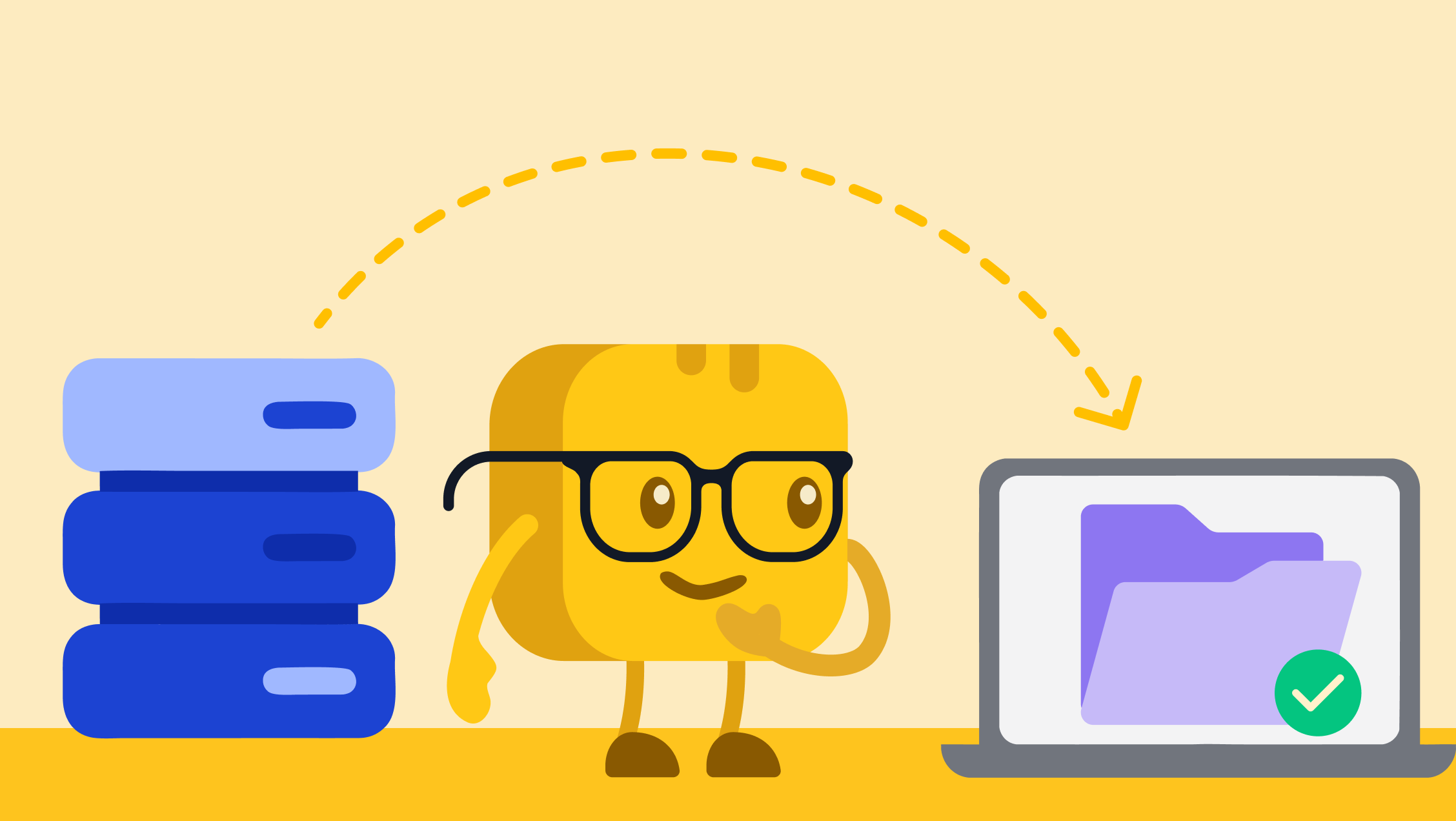
Using Givebutter’s magic migration feature, you don’t need a checklist. Givebutter extracts data from your old CRM, maps it to the Givebutter CRM, and imports it so you’re ready to go from day one.
For nonprofits that want a more guided, end-to-end approach, Givebutter Academy offers a free course on switching to Givebutter that walks through setup, migration, and best practices, helping teams feel confident and ready to go from day one.
For organizations using other systems, Givebutter also offers a DIY importing and migration option, allowing teams to upload and map their data themselves.
How can a small nonprofit use a CRM for fundraising campaigns?
A small nonprofit can use a CRM to run more targeted and effective fundraising campaigns by keeping all donor data in one place and acting on it easily.
With Givebutter’s nonprofit CRM, teams can segment donors by giving history or engagement, send targeted emails or texts, track campaign performance, and automatically record donations. It's easier for small teams to personalize outreach, save time, and raise more with limited resources.
Share this article





.svg)
.svg)