.svg)
.svg)
.svg)
.svg)
.svg)
.svg)
.svg)
.svg)
.svg)


.svg)
.svg)
.svg)
.svg)
.svg)
.svg)
.svg)
.svg)

.svg)
.svg)
.svg)

.svg)

.svg)
.svg)
.svg)
.svg)
.svg)


.svg)
.svg)
.svg)
.svg)
.svg)
.svg)
.svg)




.svg)


%20(1).png)

Strong fundraising images and graphics are at the heart of every successful campaign, but most nonprofit teams are creating them without a dedicated designer, a defined visual style, or a clear sense of which sizes work on which platforms.
If you've ever Googled "what size should this image be?" or spent too long tweaking a Canva template, this guide is for you. We're covering 11 fundraising graphic types every nonprofit campaign needs, free tools to create them, and the exact platform specs to get them right across every channel.
Key takeaways
- Design like a pro for free 🎨 Free tools like Canva make it easy to create professional, on-brand graphics for any campaign.
- Use 11 essential graphic types 📣 From campaign launch and donation thermometers to thank-you and wrap-up graphics, each type serves a specific moment in your campaign lifecycle.
- Get the sizes right 📐 Each platform has its own ideal dimensions. Use the sizing guide below to nail them every time.
- Build credibility with consistency ✅ Sticking to a simple two-color palette, one or two fonts, and one CTA per graphic is the single biggest driver of a professional look.
- Put your graphics to work with Givebutter 🧈 Use the native Canva integration to design and publish your visuals directly to your campaign pages, emails, and donation forms.
11 types of fundraising graphics every nonprofit needs
Every stage of a fundraising campaign calls for a different visual. A launch graphic builds excitement. A thermometer graphic creates urgency. A thank-you graphic keeps supporters feeling connected long after the campaign closes.
The 11 graphic types below cover each of those moments, with real-world use cases, a best-for callout, and a free Canva template for each one.
1. Campaign launch graphics 📣
This graphic is your nonprofit's bold opening move. Use it to announce a campaign with a clear goal, timeline, and call to action. Bold, on-brand, and impossible to scroll past, this graphic sets the tone for your entire campaign and helps generate early momentum.
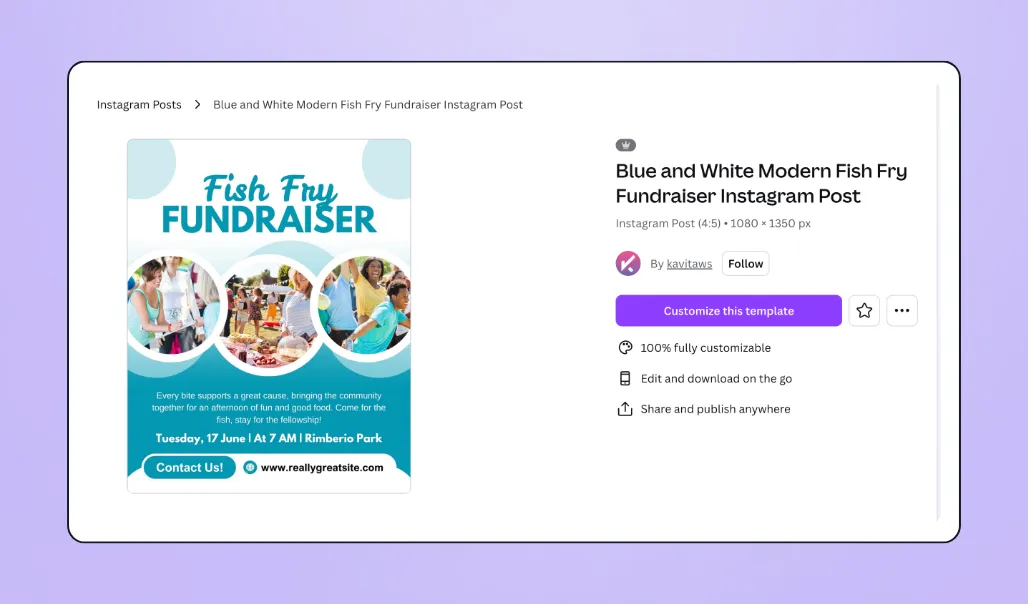
📌 Use cases: A food bank announcing its annual hunger relief drive or a school launching a capital campaign for a new library
🎯 Best for: Campaign kickoff, email announcements, website hero banners
🔗 Link to Canva template: Fundraising campaign launch template
2. Donation thermometer graphics 📊
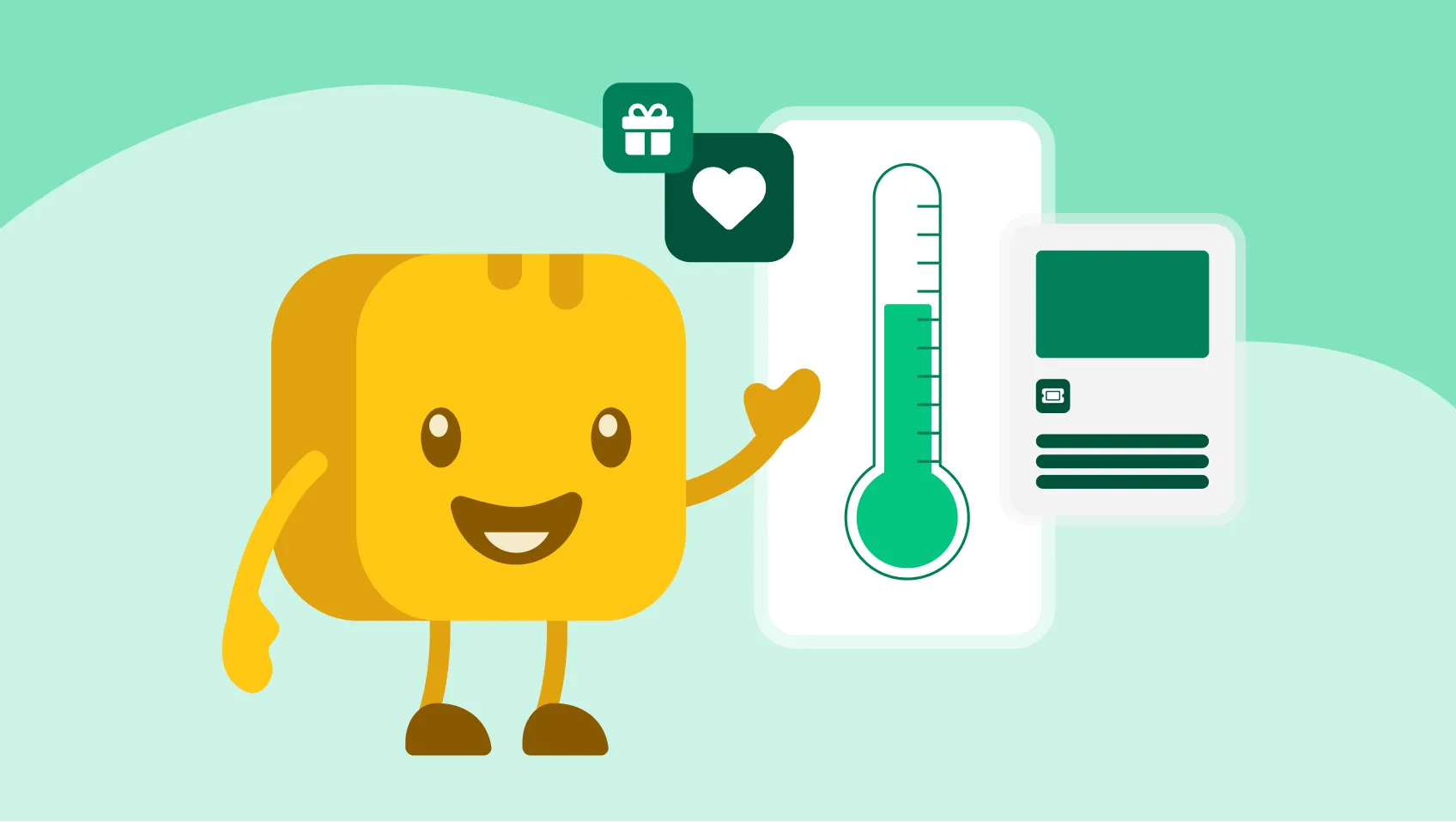
Research shows that supporters are more likely to give when you're closing in on your campaign goal. This phenomenon is known as the goal gradient effect.
Donation thermometers and progress graphics are so powerful because they tap into urgency and social proof, keeping supporters engaged and motivated to help you reach your target.
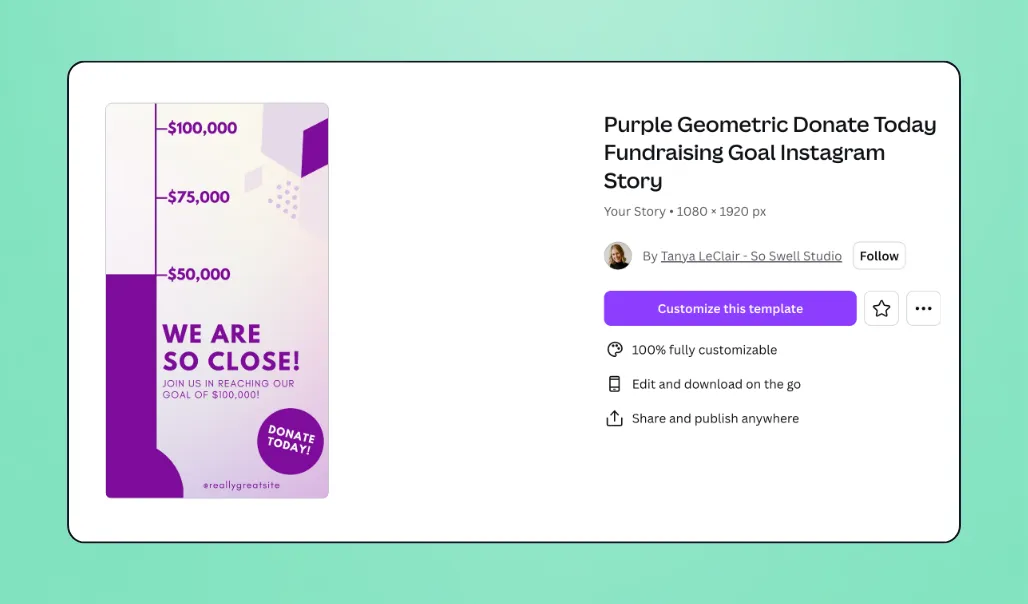
📌 Use cases: An animal shelter showing it's 68% to its $20K spay/neuter fund goal or a university hitting 50% of its scholarship drive and posting a milestone update
🎯 Best for: Mid-campaign social posts, giving day countdowns, email updates
🔗 Link: Donation thermometer template
3. Matching donation graphics 💸
If you have a matching gift opportunity, this is one of your highest-converting assets. Create this graphic before your match window opens so you can deploy it across email, social, and your fundraising page all at once. Emphasize the deadline—urgency drives action.
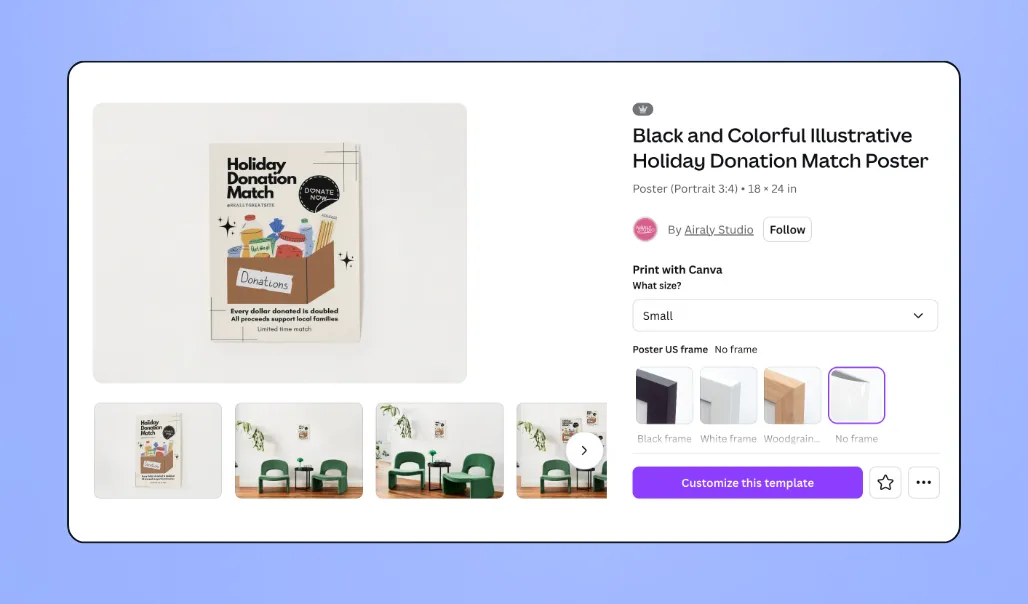
📌 Use cases: A board member offers to match all gifts up to $10K for 48 hours, or a corporate sponsor matches donations during a limited-time campaign
🎯 Best for: Match announcement emails, social media during match window, donation form banners
🔗 Link: Donation matching template
4. Giving Tuesday & giving day graphics 🎉
Giving Tuesday is one of the most important fundraising days of the year. In fact, in 2025, U.S. nonprofits raised an estimated $4B on Giving Tuesday.
Lean into the recognizable Giving Tuesday branding (the logo, the hashtag, the energy) while keeping your organization's identity front and center. Plan to increase posting frequency in the weeks leading up to the event, with a full set of graphics ready: announcement, countdown, match (if applicable), and wrap-up.

📌 Use cases: A nonprofit launching a dedicated Giving Tuesday campaign with a 3-week graphic rollout or a grassroots organization using Giving Tuesday to fund a specific program for the first time
🎯 Best for: Giving Tuesday campaigns, 24-hour giving days, annual day-of-giving events
🔗 Link: Giving Tuesday template
5. Social media post graphics 📱
To run a strong social media campaign, create variations of this graphic in different sizes to fit each platform's requirements (see the sizing section below for exact specs).
Rotate through different content types throughout your campaign: a compelling stat, an authentic mission photo, an impact quote, or a direct ask. Always include a clear CTA and keep branding consistent across every variation.
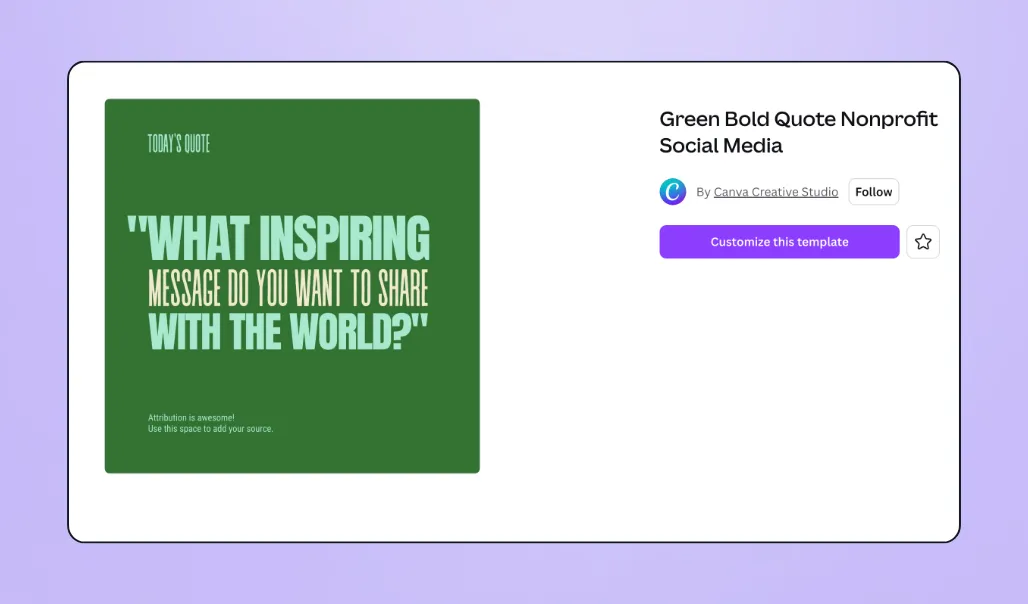
📌 Use cases: A literacy nonprofit posting a weekly "did you know" stat graphic on Instagram or an environmental organization rotating between impact quotes and donation asks on Facebook
🎯 Best for: Ongoing social media cadence across Instagram, Facebook, LinkedIn, and Twitter/X
🔗 Link: Social media graphic template
6. Stat & data graphics 🔢
Why does your organization exist? Are you trying to ensure no child in your community goes hungry? Decrease carbon emissions within your city? Or help every family access clean drinking water?
Statistics make powerful infographics because they explain the "why" behind your organization in a way that's easy to understand and share.
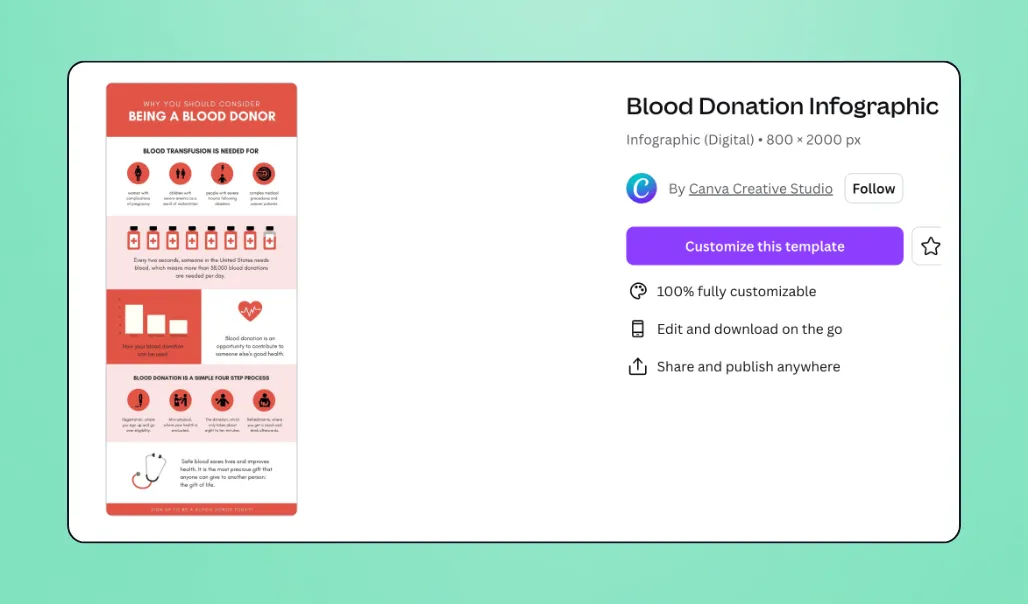
📌 Use cases: A hunger relief organization posting "1 in 6 children in our city faces food insecurity" ahead of a campaign launch or a clean water nonprofit sharing a before/after stat from their latest project
🎯 Best for: Campaign launch warm-up content, awareness posts, email openers
🔗 Link: Nonprofit infographic template
7. Pull quote & story graphics ✍️
A single sentence from a volunteer, beneficiary, staff member, or donor can communicate your mission more powerfully than paragraphs of copy. These graphics also double as cover images for Reels and TikTok videos.

📌 Use cases: A youth mentorship organization sharing a quote from a program graduate ahead of their annual campaign, or an animal rescue posting a volunteer's words about why they give their time
🎯 Best for: Instagram feed posts, Reel/TikTok cover images, email pull quotes, mid-campaign engagement
🔗 Link: Nonprofit pull quote graphic

8. Personal narrative & storytelling graphics 💁
While pull quotes highlight a single powerful line, personal narrative graphics tell the full story. These photo-forward posts introduce a real person—a beneficiary, volunteer, or community member—and invite your audience into their experience.
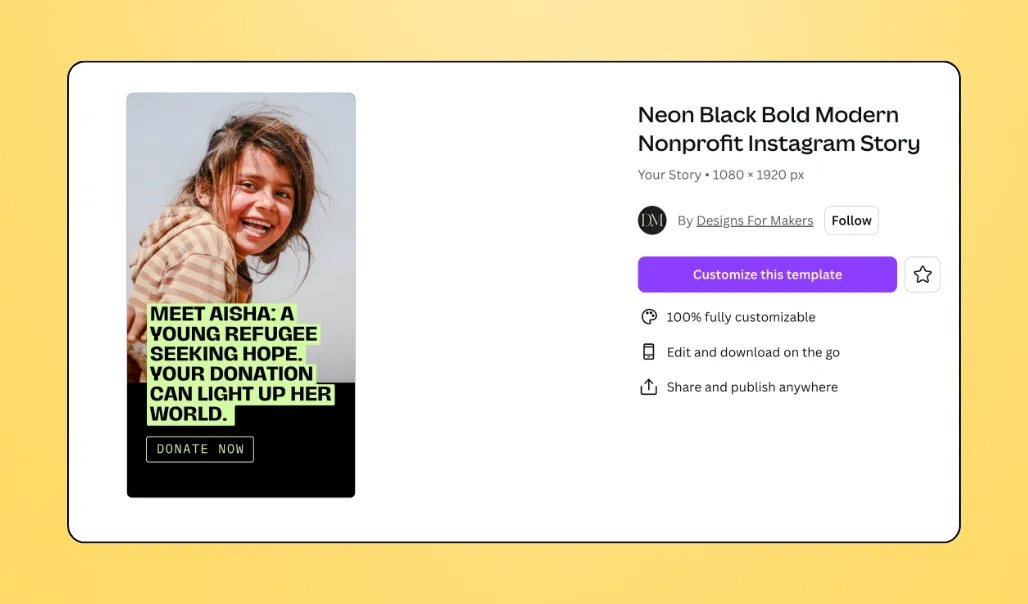
📌 Use cases: A homeless services organization sharing a client's journey from shelter to stable housing (with permission) or a scholarship fund introducing a student recipient before their year-end campaign
🎯 Best for: Mid-campaign engagement posts, donor stewardship content, peer-to-peer campaign support
🔗 Link: Nonprofit storytelling graphic template
9. Email header graphics 📧
This is the first visual a donor sees when they open your campaign email. It sets the tone before the donor reads a single word of copy. For best results, keep it clean, focused, and around 600px wide.
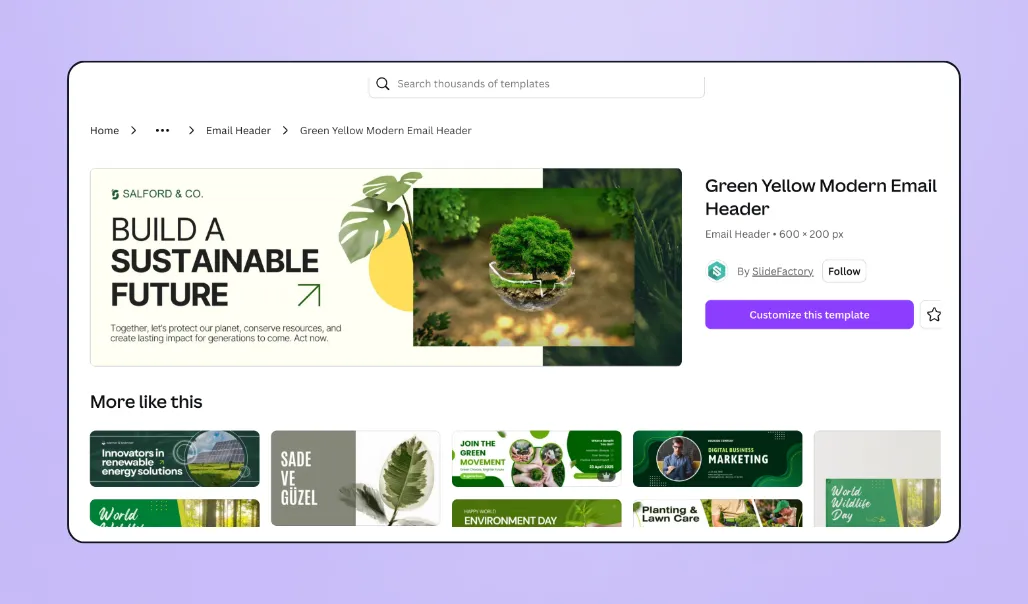
📌 Use cases: A children's hospital using a warm mission-forward header image to open their annual appeal email or a disaster relief nonprofit swapping in an urgent header graphic for an emergency fundraising push
🎯 Best for: Campaign launch emails, mid-campaign updates, year-end appeals
🔗 Link: Nonprofit email header template
10. Thank-you graphics 💛
Share thank-you graphics on social media to celebrate supporters and build momentum with potential donors or volunteers. Public appreciation strengthens community, reinforces generosity, and keeps energy alive throughout your campaign.
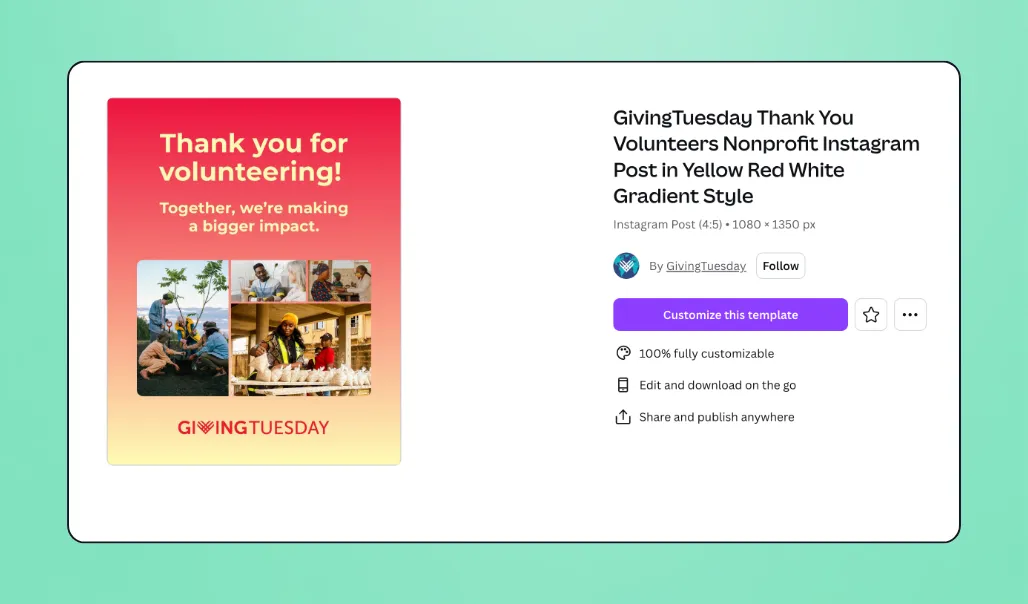
📌 Use cases: A nonprofit posting "We just hit 100 donors—thank you!" on Instagram Stories or an organization sending a branded digital thank-you card via email after the campaign closes
🎯 Best for: Mid-campaign social posts, post-donation follow-up emails, major donor recognition
🔗 Link: Nonprofit thank you template
11. Campaign wrap-up graphics 🎊
Close the loop after your campaign ends by announcing the total raised, the number of donors, and what comes next. This graphic keeps goodwill high, recognizes your community's impact, and lays a strong foundation for your next campaign.
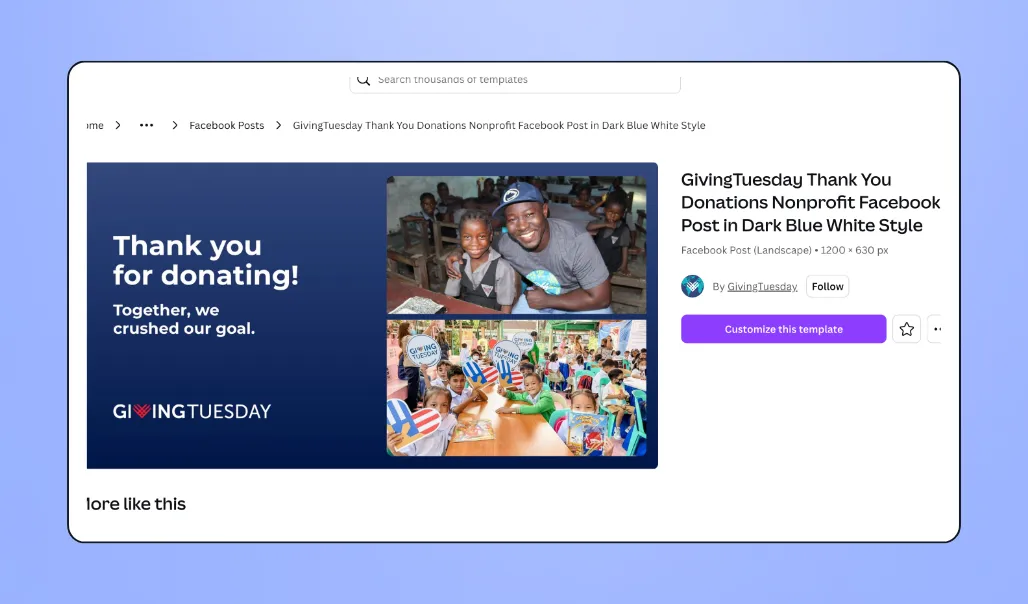
📌 Use cases: A nonprofit posting "We did it—$47K raised by 312 donors!" across all channels the day after a campaign closes, or an organization sharing a wrap-up graphic in their post-campaign thank-you email
🎯 Best for: Post-campaign social posts, wrap-up emails, board reporting, donor stewardship
🔗 Link: Campaign wrap-up graphic template

Fundraising graphic sizes by platform
Every platform has its own ideal dimensions, and getting them right makes your graphics look polished everywhere your supporters find you. Here are the specs for every major channel, all in one place.
- Instagram feed post: 1080 × 1080 px (square) or 1080 × 1350 px (vertical)
- Instagram Stories & Reels: 1080 × 1920 px
- Facebook feed post: 1080 × 566 px (landscape) or 1080 × 1359 px (vertical)
- Facebook cover photo: 851 × 315 px
- Facebook event cover: 1920 × 1005 px
- Twitter/X post: 1280 × 720 px
- LinkedIn post: 1200 × 627 px
- TikTok: 1080 × 1920 px
- Email header: 600 px wide (keep height under 300 px)
- Donation page banner: 1600 × 400–600 px
✏️ Pro tip: Canva's Resize feature turns one graphic into platform-specific versions in seconds.
Put your fundraising graphics to work with Givebutter
Your campaign deserves to be seen. Strong fundraising graphics help you reach new donors, amplify your message, and build momentum toward your goal. No in-house design team required.
And once your visuals are ready, Givebutter makes it easy to put them to work. Add them directly to branded fundraising pages, donation forms, emails, and social posts, all in one place. With our native Canva integration, you can design, import, and update your visuals without switching tools. Plus, with our Meta fundraising integration, your campaign image and progress bar automatically appear alongside a donate button when you share your Givebutter link on Facebook or Instagram Stories, turning every social share into a giving opportunity.

Connect Canva to your fundraising platform in minutes
Sign up for your free Givebutter account today and start turning your fundraising graphics into real results.
FAQs about fundraising graphics for nonprofits
How do I make fundraising graphics for free?
To create free fundraising graphics, use:
- Canva's free Pro memberships for eligible nonprofits
- Unsplash and Pexels for free stock images
- Google Slides for creating shareable graphics, infographics, and visual reports
What's the best tool for creating fundraising graphics?
Canva is a top choice for nonprofits because it offers one of the most complete free design toolsets, making it easy to create professional marketing assets without hiring a designer.
How do I make my fundraising graphics look professional without a designer?
To make fundraising graphics look professional without a designer, you can:
- Use branded templates: Canva's nonprofit templates are pre-designed to look polished.
- Stick to a two-color palette and one or two fonts: Visual consistency is the biggest driver of perceived professionalism.
- Use real photos: Authentic visuals build trust and emotional connection with donors.
- Keep sizing consistent across platforms: Canva's templates auto-size for Instagram, Facebook, email headers, and more.
Share this article








.svg)
.svg)